

Get accurate and quick color codes from any image with just one click using the "Color Finder From Image" tool.
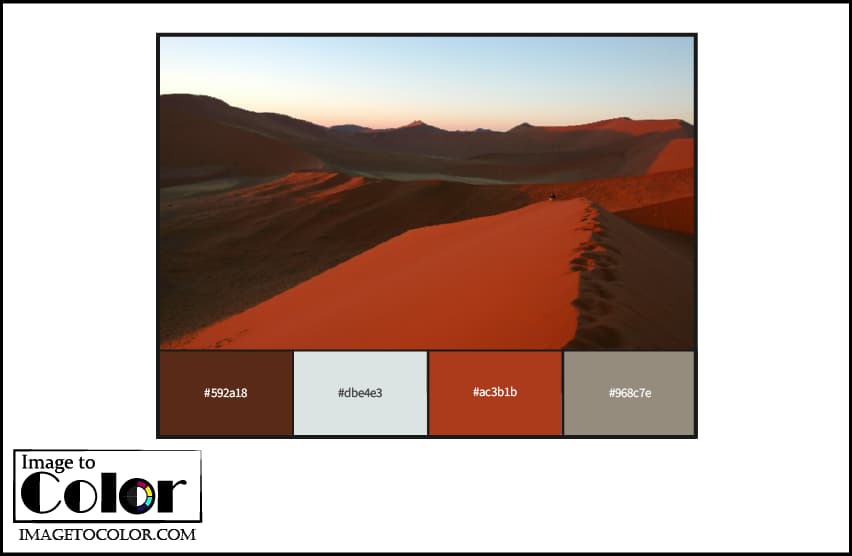
In the dynamic world of design, colors play a pivotal role in conveying emotions, creating visual appeal, and establishing brand identity. The "Color Palette From Image" tool emerges as a powerful solution for designers, artists, and enthusiasts, offering a seamless way to extract precise color codes and accurately identify color names from any image with just a click.
Color is not merely a visual experience; it's an expressive language. It communicates emotions, evokes moods, and enhances the overall aesthetic of designs. The Color Palette From Image tool taps into this language, making it accessible and user-friendly for individuals seeking inspiration or aiming for color accuracy while providing precise color names to further enhance usability and understanding**.
Using the "Color Finder From Image" tool is a straightforward process:
1. Real-time Color Extraction
The tool provides instant feedback, allowing users to see the color palette generated from the uploaded image in real-time. Each color in the palette is accompanied by its name, ensuring users can immediately recognize and utilize the colors. This feature enhances efficiency, making it a valuable asset for time-sensitive projects.
2. Download Options
Users can easily download the extracted color palette in different formats:
3. Copy to Clipboard
Each color code in the palette is clickable. Clicking on a color not only copies the color code to the clipboard but also provides visual feedback by briefly changing the background color. Additionally, the tool ensures that users can copy both the color code and its name for maximum convenience.
To illustrate the tool's capabilities, consider the following example:
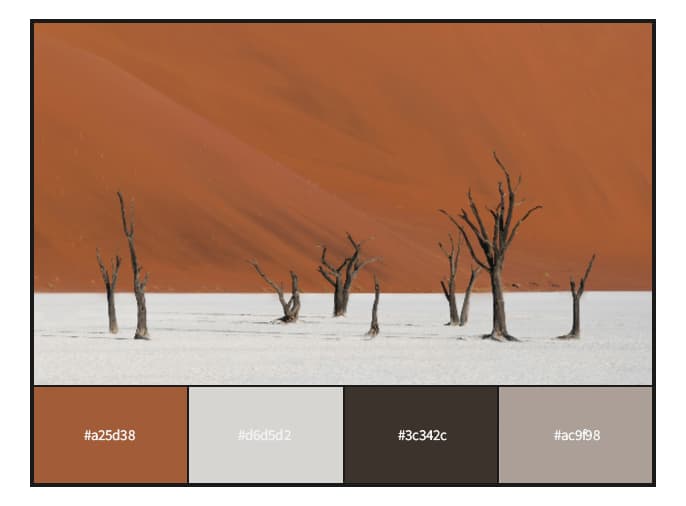
In this example, the tool extracts a palette of dominant colors along with their names, enabling users to leverage these colors in their own projects.
The "Color Palette From Image" tool stands out as a valuable resource in the realm of design and creativity. Its intuitive interface, real-time feedback, accurate color name extraction, and versatile features make it an indispensable tool for anyone working with colors in digital or visual projects. Whether you're a seasoned designer or a budding artist, this tool empowers you to explore the language of colors effortlessly.